
New Trends in Gyms — The Application Value of 18.5-Inch Wall-Mounted Advertising Machines
18.5-Inch Wall-Mounted Advertising Machines — A New Tool for Enhancing Gym Image
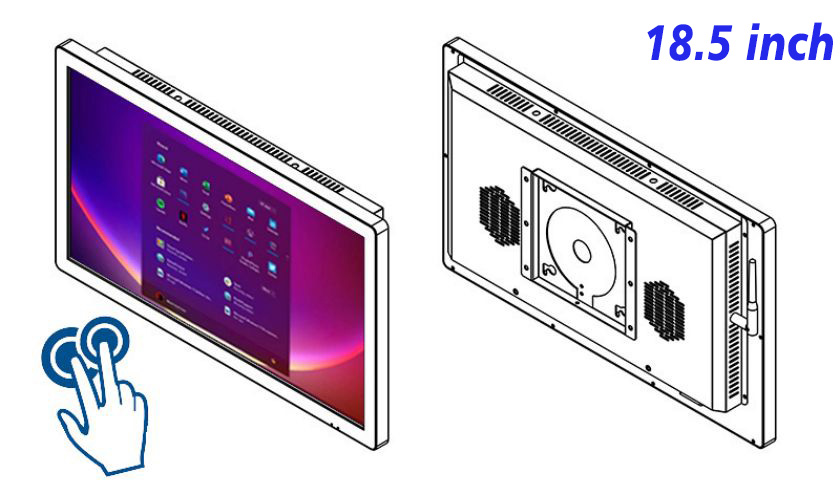
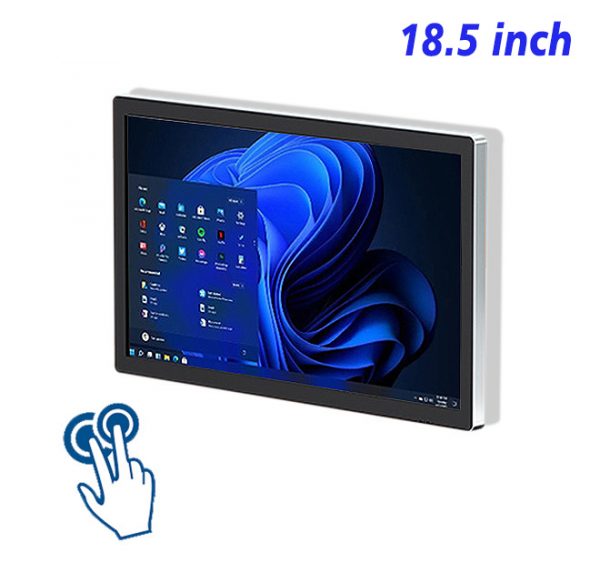
In a vibrant and challenging environment like a fitness center, effectively conveying information and enhancing customer experience is particularly important. The 18.5-inch wall-mounted advertising machine, with its compact and efficient features, is gradually becoming a new tool for enhancing the image and service quality of gyms.
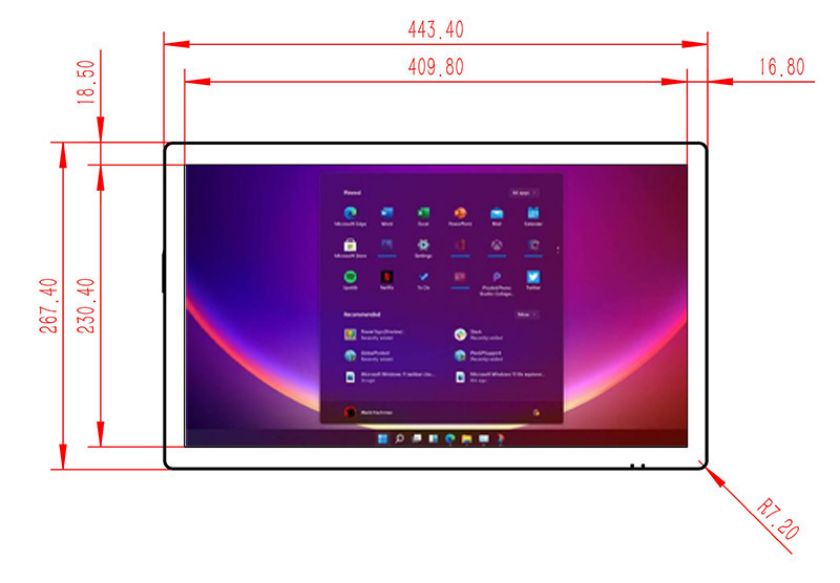
18.5-Inch Wall-Mounted Advertising Machine — Creating a Dedicated Promotion Platform
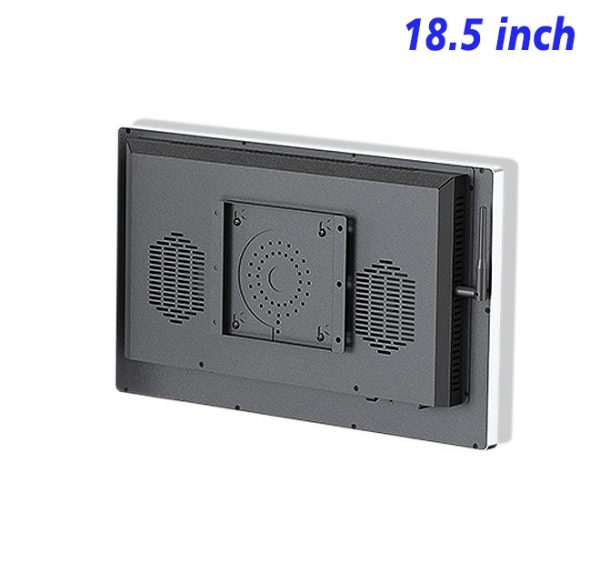
Gyms are places that combine exercise, socializing, and leisure, and they need a platform that can quickly disseminate health knowledge and event information. The 18.5-inch wall-mounted advertising machine, with its unique design and convenient installation method, is very suitable for the environment of gyms. Whether in the reception area, waiting area, or training area, this wall-mounted LCD advertising machine can be easily installed, creating a comprehensive information dissemination network.
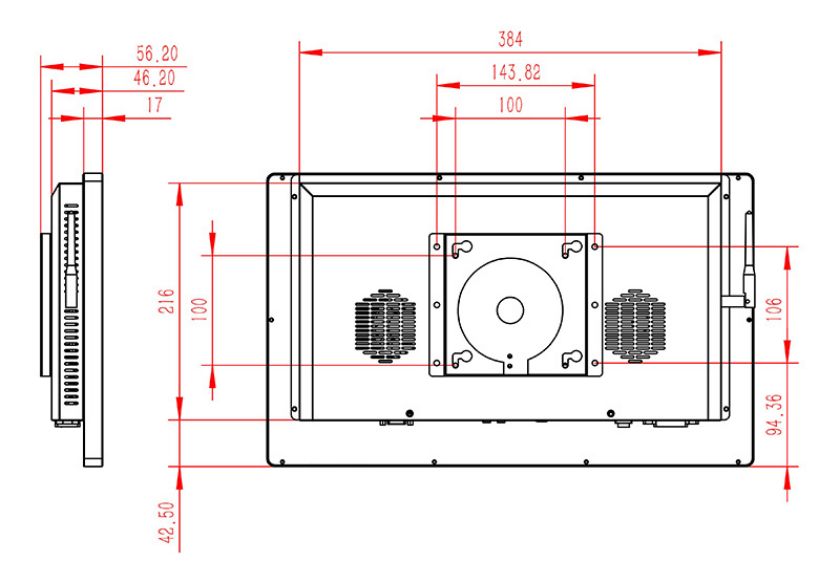
Wall-mounted LCD HD Advertising Machine — Presenting clearer information
In places like gyms, accurate information delivery is crucial. The wall-mounted LCD HD advertising machine features high definition resolution, ensuring that various fitness class introductions, member discount information, and fitness tips are presented to customers in clear and detailed images. This high-definition display effect helps to enhance customers’ trust in the information and effectively avoids misunderstandings caused by unclear information.
Wall-mounted LCD Advertising Screen — Saving Space and Costs
Every bit of space is crucial for gyms. The wall-mounted LCD advertising screen features a compact design that can be easily installed on walls, taking up no valuable floor space while ensuring efficient information dissemination. Additionally, these advertising machines have low energy consumption and simple maintenance, which can save gyms a significant amount in operating costs over the long term.
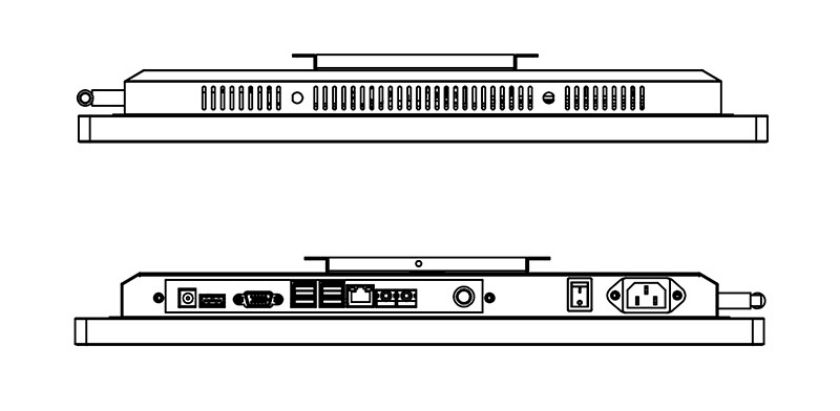
18.5-inch Wall-mounted Advertising Machine — Enhancing Customer Interaction Experience
With the 18.5-inch wall-mounted advertising machine, gyms can more flexibly adjust the content being displayed, such as fitness class announcements and member success stories, which not only boosts customers’ motivation to work out but also enhances the gym’s professional image. By regularly updating fitness information, gyms can better serve customers and establish good customer relationships.
Wall-mounted LCD HD Advertising Machine — Boosting Gym Performance
Deploying wall-mounted LCD HD advertising machines in gyms not only enhances the overall professional image of the store but also promotes sales growth. By precisely delivering fitness course information and promotional activities, gyms can more effectively attract customers and improve conversion rates. At the same time, these advertising machines can also serve as tools for collecting customer feedback and analyzing data, helping gyms continuously optimize their business strategies.
The 18.5-inch wall-mounted advertising machine, as an efficient and attractive promotional tool, is gradually becoming an important component for gyms to enhance service quality and improve customer experience. Whether from the perspective of information dissemination or economic benefits, this advertising machine will be an indispensable helper for gyms. With technological advancements and the increasing societal focus on health, the 18.5-inch wall-mounted advertising machine will play an increasingly important role in the marketing and service strategies of gyms, becoming one of the key trends in the future development of gyms.
Reviews
There are no reviews yet.