
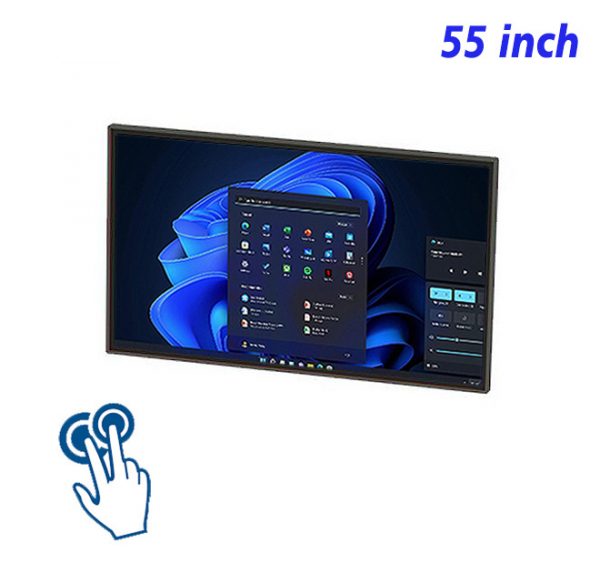
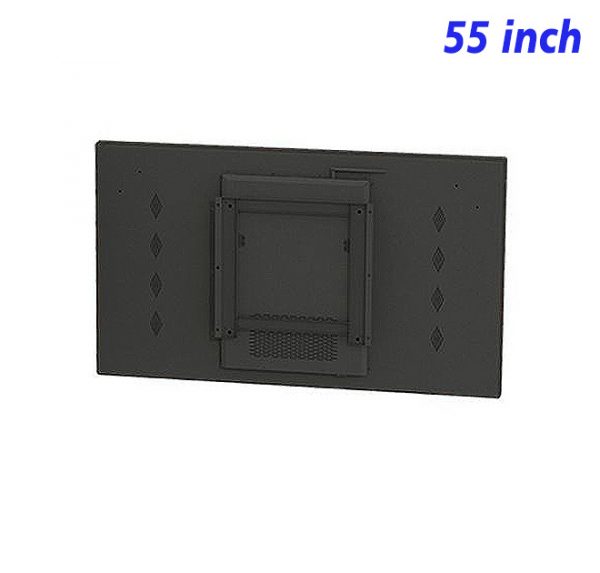
The 55 inch integrated PC touch display is designed around a simple idea: organizing a broad directory into quick, confident on-screen choices. In salons, clinics, service desks, collection points, and reception queues, the screen can introduce a product, explain a service, highlight a timely message, or add movement to an otherwise static wall. The result feels useful and connected to the space rather than added simply for decoration.
Begin With the Destinations People Look for Most
Use the display to explain timing, steps, options, or preparation before service begins. This is where the 55 inch integrated PC touch display can turn brief attention into a clear product or service message. The content should lead with the most useful fact, not a long introduction, so the reason to keep watching is visible straight away.
At this first contact point, a single strong image and a short line usually work harder than a crowded composition. Give the main idea enough time to register, then let supporting detail appear in the following scene. This pacing suits letting a digital menu unfold through touch and makes the sequence easier to follow without sound. This helps use the display to explain timing, steps, options, or preparation before service begins.
Use Categories That Make Sense at First Glance
Alternate guidance with product stories, service highlights, and calm branded scenes. A clear composition gives each element a job and prevents decorative details from competing with the main message. The screen feels more confident when one visual leads and the wording supports it.
The layout should guide the eye in a natural order: image first, headline second, supporting detail last. Comfortable spacing and controlled contrast help the message remain clear at the expected viewing distance, while a consistent type style keeps changing scenes visually related. This helps alternate guidance with product stories, service highlights, and calm branded scenes.
Reveal Details Only After a Direction Is Chosen
In this setting, the priority is to use layered sequences that reward a longer look without hiding essential facts. That decision links the media to the physical environment and makes the presentation easier to understand during a normal walk, pause, or service moment.
Position also changes how the message is understood. Media beside a related object can explain it; media near an entrance can introduce what comes next. By connecting the screen with its immediate surroundings, letting a digital menu unfold through touch becomes part of the experience rather than an isolated interactive moment. This helps use layered sequences that reward a longer look without hiding essential facts.
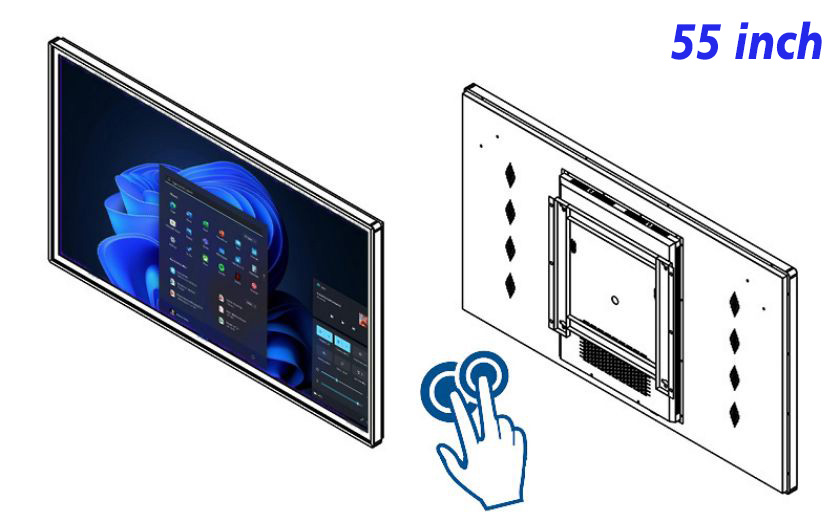
Keep Search, Home and Back Controls Predictable
A practical role for the 55 inch integrated PC touch display is to choose measured motion, readable spacing, and transitions that do not feel aggressive. Instead of repeating the same scene all day, the playlist can change emphasis while keeping one recognizable visual direction.
Fresh content does not require a completely new design every time. Reusable layouts can hold new images, headlines, dates, or highlights while preserving familiar colours and spacing. This keeps updates efficient and prevents short campaigns from looking disconnected from the rest of the presentation. This helps choose measured motion, readable spacing, and transitions that do not feel aggressive.
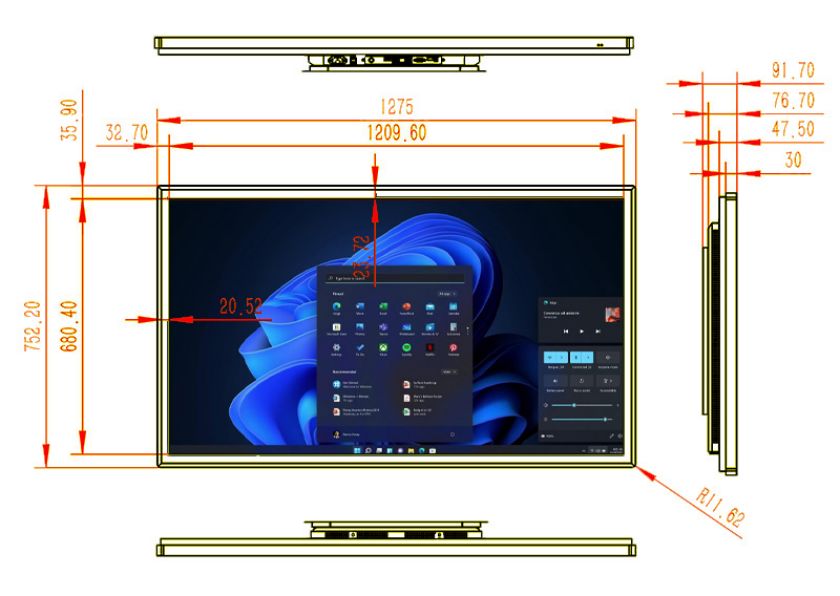
Combine Directory Information With Timely Notices
The practical goal is simple: review hours, steps, notices, and temporary changes before they appear outdated. Content should feel comfortable at the real viewing distance, with enough time to read and no unnecessary movement competing for attention.
Everyday quality depends on small checks: clean the visible surface, confirm that the correct sequence is playing, and remove information that is no longer current. These habits protect readability and help letting a digital menu unfold through touch remain convincing long after the first campaign goes live. This helps review hours, steps, notices, and temporary changes before they appear outdated.
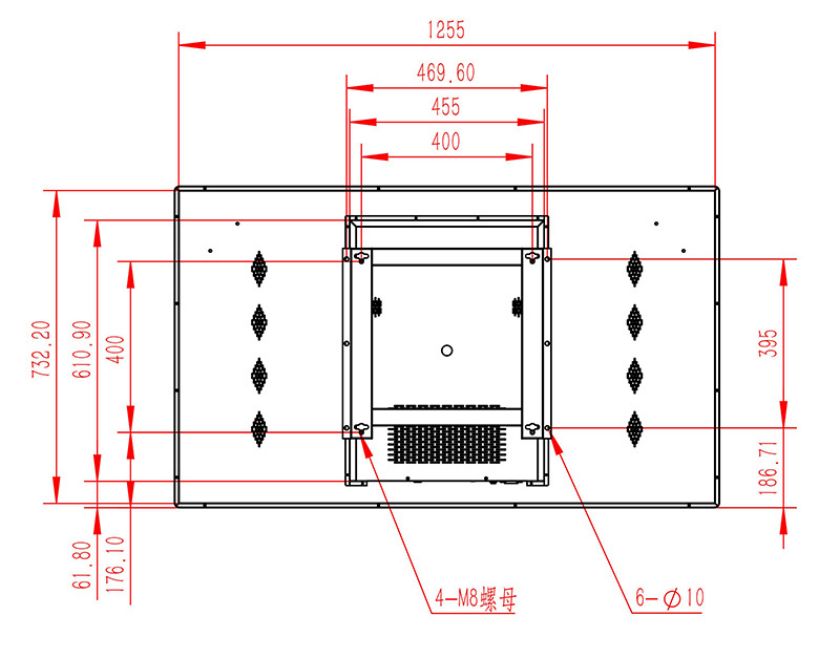
Make Small Updates Without Disturbing the Whole Map
Rather than adding more messages, focus on how to close each sequence with a direction, reminder, or concise service cue. A smaller number of well-ordered scenes usually creates a stronger impression than a long sequence with several competing ideas.
Planning a 55 inch integrated PC touch display Directory
For letting a digital menu unfold through touch, product imagery, short demonstrations, comparisons, schedules, service information, and timely reminders can all play a part, but they should not appear with equal weight. A useful playlist gives each scene one purpose and lets the sequence build naturally from attention to understanding.
When preparing media for letting a digital menu unfold through touch, preview the finished work where the screen will actually be viewed. Check text size, crop, contrast, timing, and whether the meaning survives without audio. Keep a simple fallback scene ready so the wall still looks intentional when a temporary interactive content ends.
Directory Display Questions Answered
How many top-level categories should a directory show?
For interactive directory, use focused opening visuals and concise labels so the experience remains easy to follow.
Can temporary notices appear without hiding navigation?
Yes. For interactive directory, use stable navigation and an obvious return path to keep the interaction clear and consistent.
What makes directory text readable at standing distance?
Generous spacing, restrained text and purposeful imagery suit the goal of organizing a broad directory into quick, confident on-screen choices.
How should outdated listings be handled?
For interactive directory, use regular checks for accuracy, file readiness and expired information so the experience remains easy to follow.
Seen from the perspective of letting a digital menu unfold through touch, the 55 inch integrated PC touch display is more useful than a interactive information surface that simply changes pictures. It creates a clear flow from first glance to useful detail, keeps media adaptable, and gives the wall a consistent role in everyday communication. Thoughtful editing is what allows that value to last.
Bring Your Digital Content to Life
Use this commercial display to present promotions, product stories, menus, guidance and brand messages in an engaging digital format. Contact the ZXTLCD sales team to explore the configuration that best matches your application.
Reviews
There are no reviews yet.