
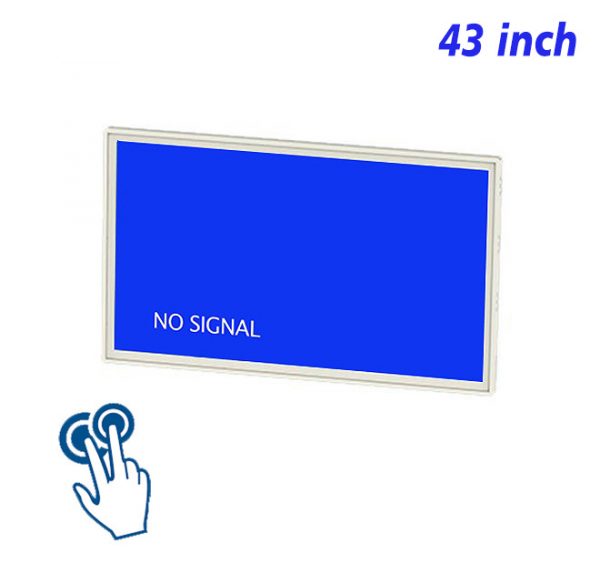
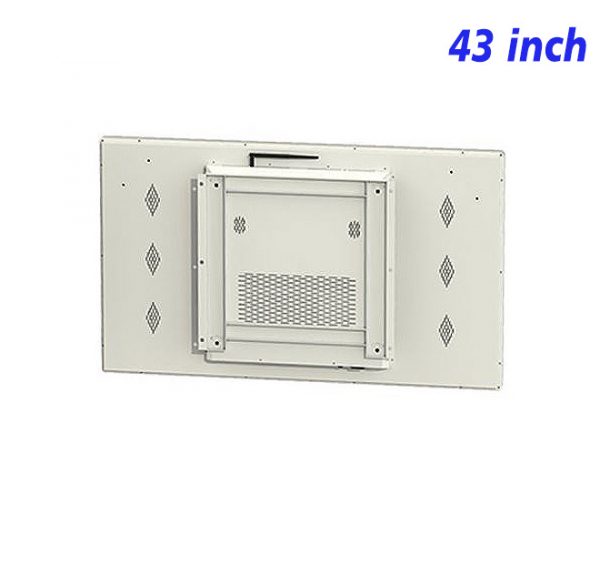
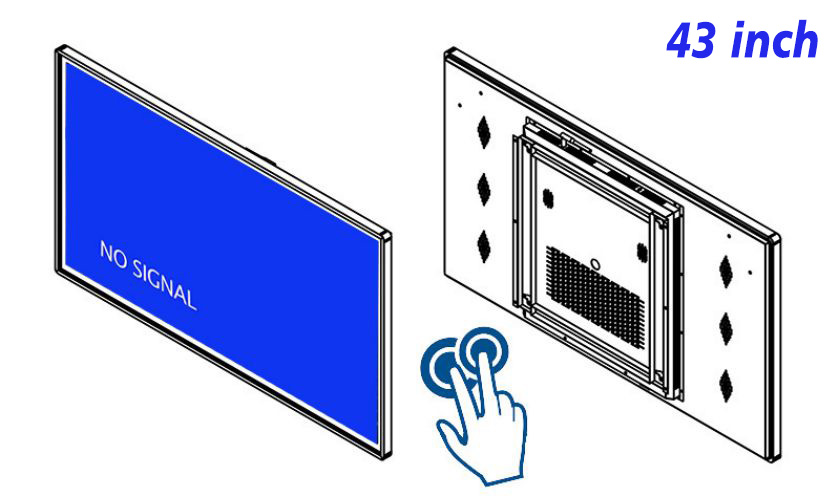
Some training material does not require continuous instruction, but it does need to be checked repeatedly before and after a practical task. A 43 inch IR touchscreen display organizes steps, diagrams, short videos and reminders into a visual guide that can be explored when needed. Its 43-inch view can show action details clearly without demanding an oversized area of wall.
Explain the Intended Result Before Step One
The training home page should first describe the result that should be achieved and provide clear entries to each section. This tells the user what the guide covers and makes it possible to open a particular section for review. A wall-mounted training display can separate basic information, operating steps, problem handling and final inspection rather than placing the entire process on one long page.
A 43 inch IR touchscreen display can use numbering, a progress bar or section labels to show the current position. Navigation needs to remain visible and return behavior should stay consistent so both sequential learning and quick review remain easy.
Every Image Should Explain an Action
Each image should correspond to a specific step and emphasize hand position, component direction or the correct finished state. A close-up view can explain a fine detail, while consecutive images can show what changes from one stage to the next. Short action text should remain close to the related image, reducing unnecessary movement between explanation and visual reference.
A moving process can use a short video. Video prepared for a 43 inch IR touchscreen display should be concise, include captions and provide controls for pausing and replay. It must remain understandable without sound so the guide can work in an open environment.
Use Touch to Keep Extra Explanation Available but Out of the Way
Basic instructions remain concise, while additional explanation, common mistakes or important reminders can open through a visible control. Experienced users can continue quickly, while someone needing more support can access it without leaving the guide. A visual training guide does not need to expose all information at once, but every hidden explanation needs a clearly labeled entry.
The 43 inch IR touchscreen display can also include a brief confirmation at the end of a section, such as checking a key condition or comparing the result with a correct example. The aim is practical review, not a complicated test.
Content Maintenance Begins With Accuracy
When an operating process changes, the images, videos, step numbers and final check page need to change together. Earlier versions should be removed, while a release date or version note can remain in a position that does not interrupt reading. After an update, the complete guide should be played in order and every touch entry, video and return control tested.
A clean surface, a ready home page and correctly loading media help the 43 inch IR touchscreen display continue supporting training guides, operating instructions and visual review in daily use.
Section length should follow the real task rather than a fixed page count. A simple action may need one image and a short instruction, while a more delicate action can use a close-up, a brief motion sequence and an extra caution. The guide remains consistent through navigation and typography even when individual sections contain different amounts of support.
The final review should return to the outcome introduced at the beginning. A correct-state image, a short checklist or a few visible confirmation points can help compare the completed work with the intended result. This closes the guide naturally and gives repeated training sessions a dependable finish.
When a guide is revised, media and wording need to refer to the same version of the process. Replacing a sentence without its old image, or replacing a video while leaving earlier numbering, can create more confusion than the change solves. A complete route check protects the relationship between every step.
Training Guide FAQ
How many steps should one section contain?
A section should remain short enough to understand and complete in one stage. A longer procedure can be divided into several sections with a clear progress indicator between them.
Can images and video be used together?
Yes. Images are effective for static positions and final results, while video explains continuous movement. Both should support the same step rather than repeat unrelated information.
How should optional explanation be handled?
Use an expandable explanation or a separate help entry instead of crowding the basic page. A 43 inch IR touchscreen display can reveal information in layers according to need.
What should be checked after training content changes?
Follow the complete route from the home page to the final review and confirm that sequence, media, wording, return paths and version information remain consistent.
Bring Your Digital Content to Life
Use this commercial display to present promotions, product stories, menus, guidance and brand messages in an engaging digital format. Contact the ZXTLCD sales team to explore the configuration that best matches your application.
Reviews
There are no reviews yet.