
A Clear Digital Entry Within Limited Wall Space
The 19 inch capacitive wall touch display provides a display area suited to creating a clear and operable digital interaction point within limited wall space. The 19 inch screen balances visual presence with compact installation, keeping common choices prominent and lookup paths short. Page design should emphasize priority information instead of crowding one view with excessive text or controls that are too small.
Its marketing value begins with the display itself. Imagery, video, brand material, product introductions and priority messages can remain visible on one digital surface. When content is planned around creating a clear and operable digital interaction point within limited wall space, the monitor becomes more than an information carrier and forms a recognizable visual contact point within a space.
Combine a 19 Inch Display With Active Touch
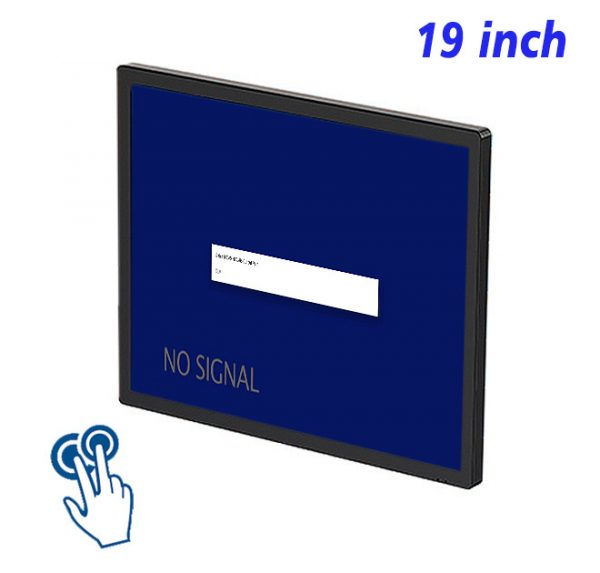
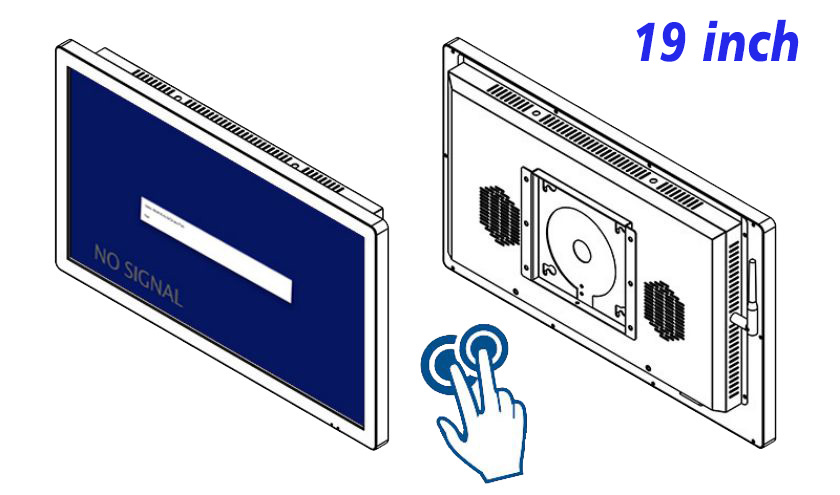
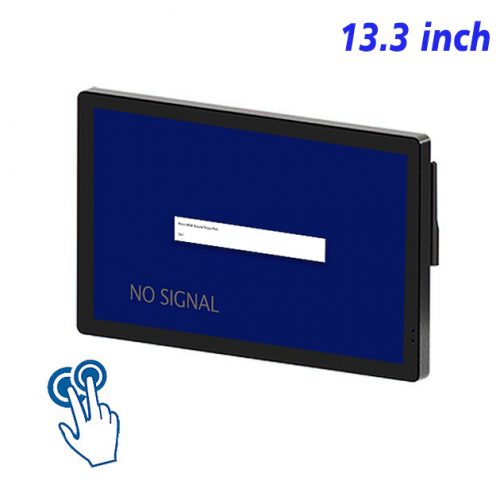
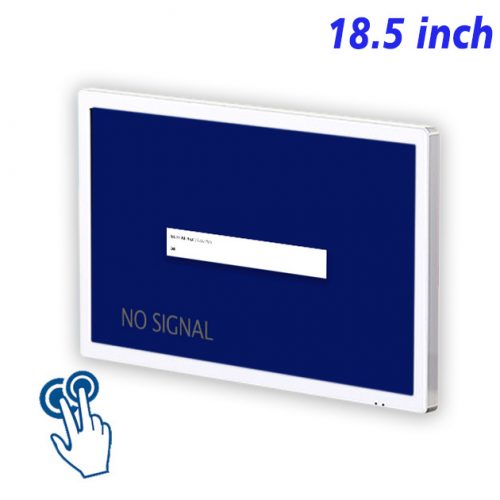
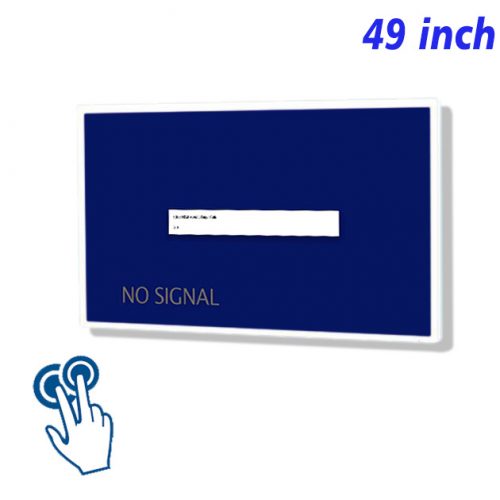
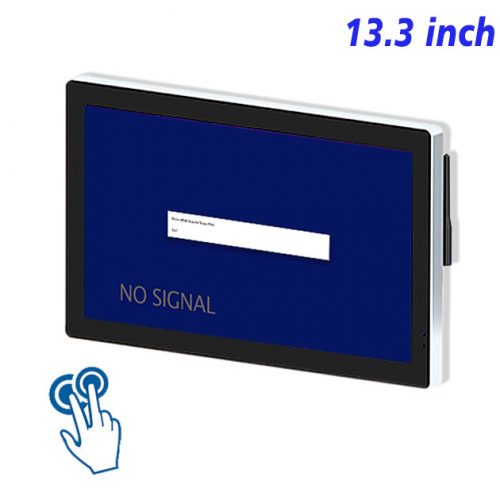
The 19 inch capacitive wall touch display is a touch monitor combining a commercial display, PCAP capacitive touch and a wall-mounted enclosure. It handles visual output and touch input, and can connect to a suitable external computer, media player or control system for presenting visual content and operating interactive pages.
Within content designed for creating a clear and operable digital interaction point within limited wall space, PCAP capacitive touch makes tapping, swiping, page changing and category selection direct. Unlike a conventional advertising screen limited to scheduled playback, the monitor lets viewers open material by interest and continue into product discovery, information lookup or option comparison.
The 19 inch capacitive wall touch display combines prominent digital presentation with active touch operation on one wall device. It can deliver the opening promotional message and then let viewers continue into imagery, specifications, processes, FAQs or other useful information.
Keep Operating Paths Shallow
For the 19 inch capacitive wall touch display, touch is not an isolated extra feature. Page hierarchy, control size, information depth and operating distance should be planned together so marketing content remains easy to notice and comfortable to use.
Installation Position and External Hardware
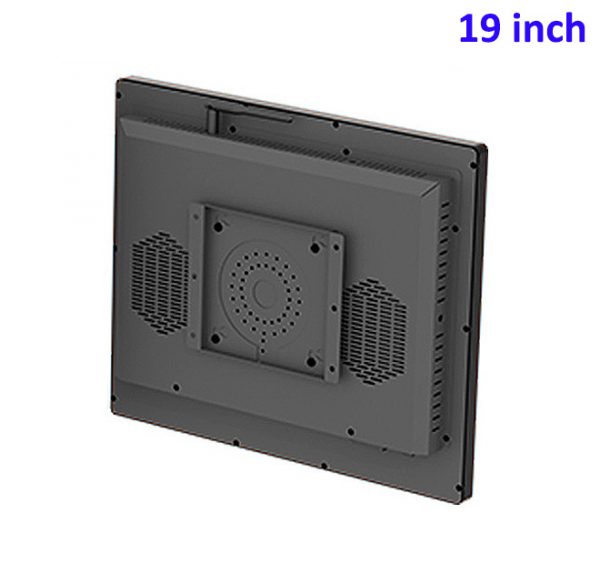
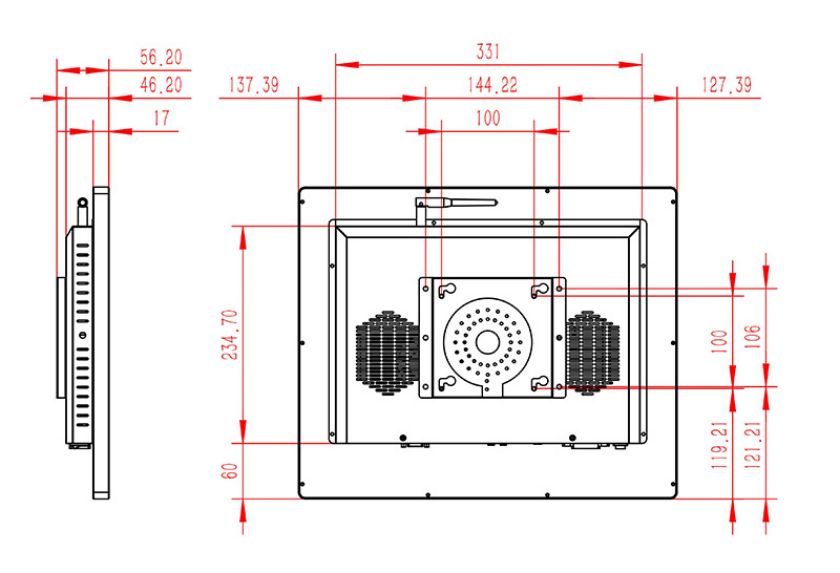
To support creating a clear and operable digital interaction point within limited wall space, wall mounting fixes the display surface at a defined position without using the floor area required by a freestanding structure. Mounting height should suit viewing and touch, while wall support, power, cable routing, external hardware and maintenance clearance need coordinated planning.
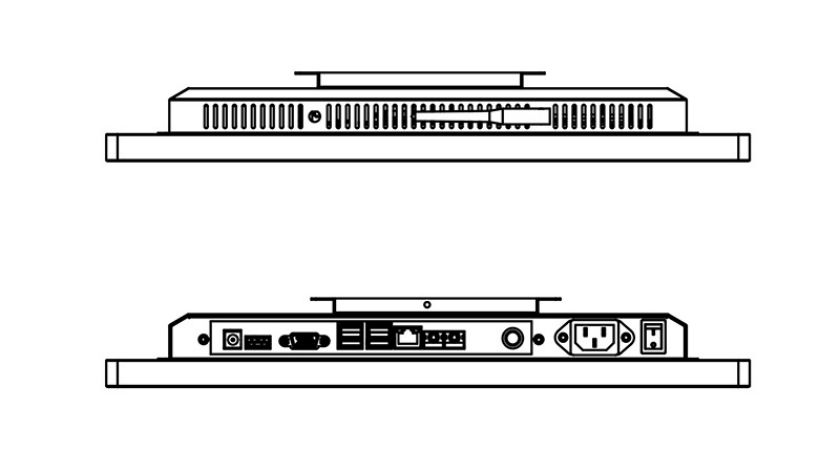
For creating a clear and operable digital interaction point within limited wall space, the monitor is not locked to one operating platform. An external computer, player or control device can be selected for web pages, digital catalogs, multimedia playback or a dedicated interactive application. Before deployment, confirm compatibility among the signal, touch driver, software and operating environment.
A Practical Method for Replacing Marketing Content
For creating a clear and operable digital interaction point within limited wall space, digital material can be revised when products, campaigns, pricing, processes or brand presentation changes, avoiding a complete new printed set each time. Every update should check links, imagery, text validity and touch controls so expired information does not remain on screen.
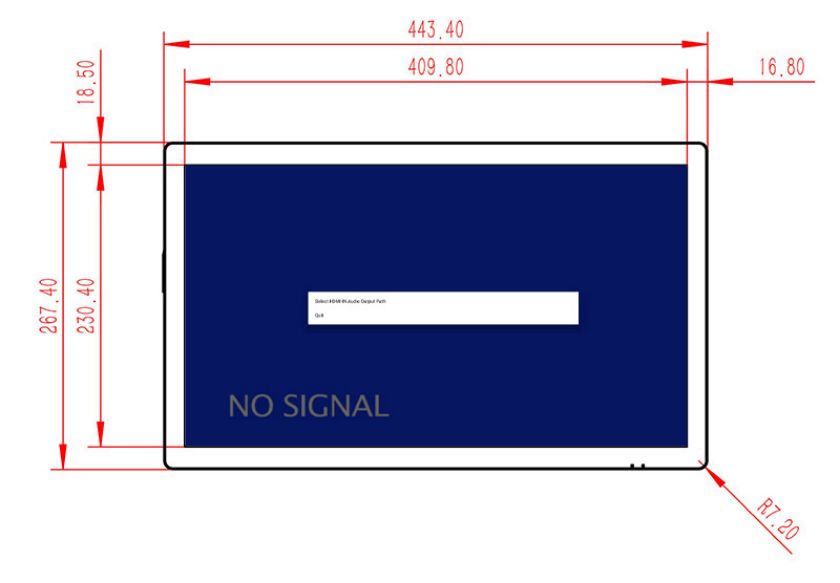
When planning creating a clear and operable digital interaction point within limited wall space, select the monitor around viewing and operating distance, wall conditions, content complexity, runtime and the external system. If cameras, card readers, printers or other peripherals are required, verify host interfaces and application software rather than assuming those functions are built into the display.
Checks Before Long-Term Operation
To preserve the display and operating quality required for creating a clear and operable digital interaction point within limited wall space, routine care includes cleaning the touch surface, checking response and video signal, inspecting mounts and cables, and retaining ventilation and service space. Use soft material suitable for screens and prevent liquid from entering the edges.
For creating a clear and operable digital interaction point within limited wall space, this product combines visual presentation, touch input and a space-saving wall structure. It can work as an individual interactive display point or as the front-end screen within a broader digital system.
FAQ About Creating a clear and operable digital interaction point within limited wall space
Does this capacitive touch monitor include a computer or Android system?
This product handles display and touch input. For creating a clear and operable digital interaction point within limited wall space, select the external host or player around the content software and interactive functions rather than assuming an Android or Windows computer is built in.
How does it differ from a standard wall-mounted advertising screen?
A standard advertising screen mainly presents scheduled media. PCAP touch lets this product run catalogs, lookup, navigation, comparison or other interactive pages through an external system, extending creating a clear and operable digital interaction point within limited wall space beyond one-way presentation.
What conditions should be confirmed before installation?
To support creating a clear and operable digital interaction point within limited wall space, confirm wall support, mounting height, power, video and touch connections, host location, cable routing and maintenance clearance. Test text and controls at the real viewing and operating distance.
How can the touch monitor remain reliable in daily use?
For creating a clear and operable digital interaction point within limited wall space, clean the touch surface and check response, signal, cables and mounts regularly. After updates, verify controls, links and page validity, and maintain the external computer and software according to the workload.
The 19 inch capacitive wall touch display is more than a standard advertising screen for fixed playback. It is a wall-mounted PCAP touch monitor that connects to an external content system and combines digital presentation, active interaction, space efficiency and adaptable content.
Bring Your Digital Content to Life
Use this commercial display to present promotions, product stories, menus, guidance and brand messages in an engaging digital format. Contact the ZXTLCD sales team to explore the configuration that best matches your application.
Reviews
There are no reviews yet.