
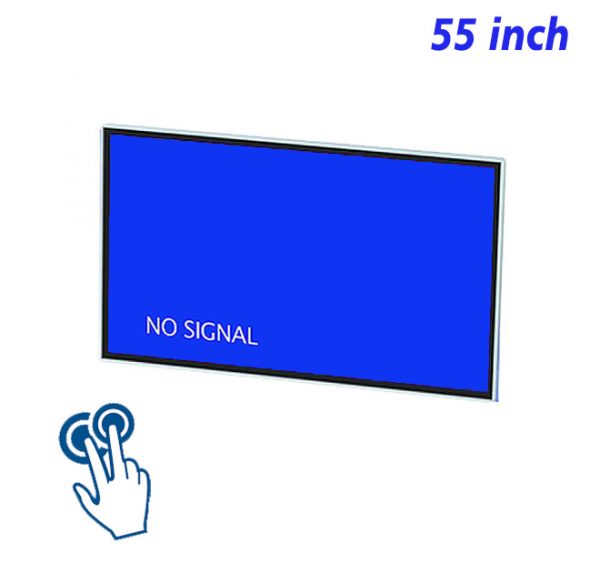
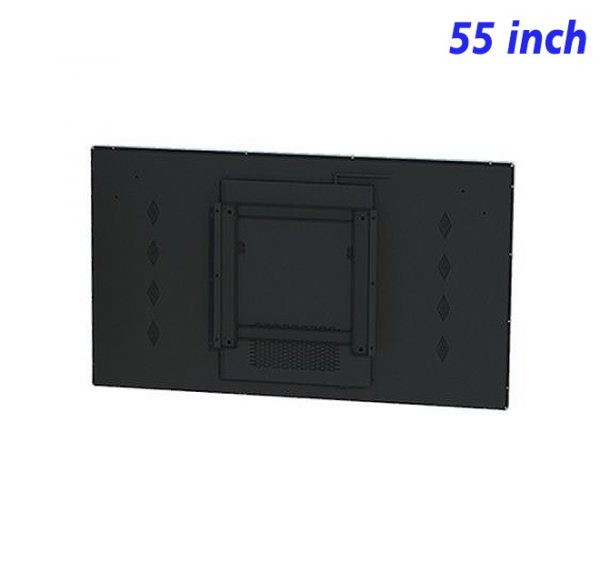
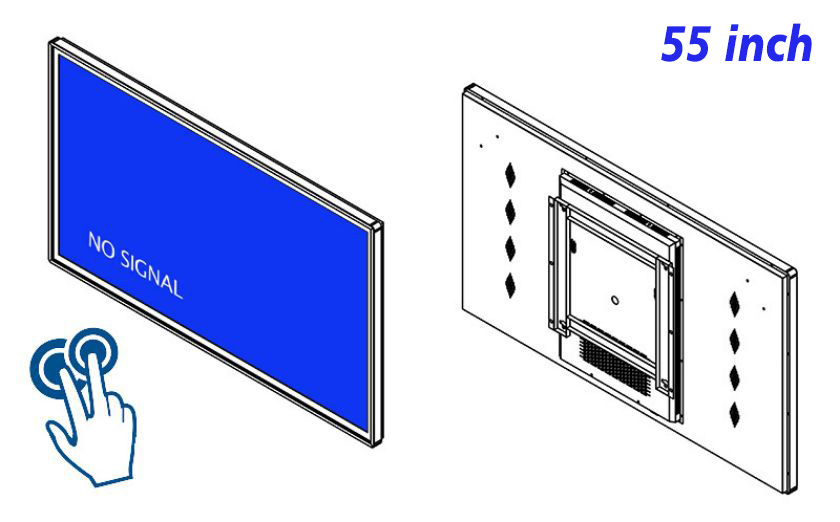
When a discussion includes images, charts, workflows and revision notes at the same time, a small device can easily divide attention among several windows. The 55 inch IR touchscreen monitor provides a more complete shared view, allowing people to examine details, mark important areas and organize ideas around the same material. Its 55-inch display area is well suited to horizontal plans, side-by-side comparisons and layered information, while IR touch makes page changes, zooming, selection and annotation direct and easy to understand.
One Screen That Follows the Shift From Presentation to Discussion
A conventional presentation is usually controlled by one person, leaving everyone else to describe a revision verbally. With a large interactive collaboration screen, the visual material and the comments can occupy the same environment. A presenter can point to a precise area on the page, while the rest of the group can understand more quickly what needs to change and how separate ideas are connected. This approach suits meeting rooms, creative review areas, training spaces and project-planning walls.
The 55 inch IR touchscreen monitor can do more than play presentation media. It can also serve as a digital whiteboard display. A session may begin with the original proposal, move into an annotation or comparison view, and finish on a clearly arranged conclusion page. The content moves naturally from presentation to interaction, without forcing the discussion through a long sequence of menus.
How a 55-Inch View Improves Material Comparison
In visual collaboration, the real advantage is not simply larger type. It is the ability to keep related material visible at the same time. Two designs, data from different periods, before-and-after interfaces, or several reference images can use a parallel layout. This reduces constant switching and makes differences easier to identify. As a large touch screen for presentations, the display can also reserve areas for a title, annotations and final conclusions, keeping a complex page visually organized.
When preparing content for a 55 inch IR touchscreen monitor, the main reference should sit near the visual center, frequent controls should remain in predictable edge positions, and open space should be left for handwritten or touch-based marks. Buttons should not be too small, and essential charts should not be pressed against the screen border. Thoughtful spacing makes standing interaction more comfortable and helps viewers farther from the screen follow the progress of the conversation.
Let Touch Support the Idea Instead of Distracting From It
IR touch is useful for familiar actions such as selecting, dragging, enlarging content and changing pages. A collaboration interface does not need layers of animation. Clear feedback, a stable return position and an obvious current state are more important. Every touch should move the information closer to a decision, rather than sending the operator through several levels of navigation to find the next action.
A shared presentation display may combine still images, short videos, process diagrams and document pages. Video can explain motion, images can compare appearance, and charts can emphasize change. The 55 inch IR touchscreen monitor places these media types within one visual framework, allowing the conversation to move between them without losing context or making the supporting material feel disconnected.
Daily Content Management in a Permanent Collaboration Space
A collaboration display used regularly should retain a simple home screen with access to common meeting material, presentation files and whiteboard functions. File names, page order and revision dates need to be clear so that an earlier proposal is not confused with the current version. After an activity ends, the display can return to a neutral standby page, protecting the working material while keeping the wall-mounted interactive display visually tidy.
The visible surface should be cleaned regularly, and every content update should be followed by a practical check of touch areas, video playback and return paths. For the 55 inch IR touchscreen monitor, a dependable daily experience comes from clear content and simple interaction rather than decorative complexity.
Common Questions About Collaborative Use
Can two proposals be displayed at the same time?
Yes. The 55-inch view works well with a left-and-right layout or a main image supported by a reference panel. Either approach can retain room for a short conclusion and touch annotations without making the comparison crowded.
Can video still be useful in a silent environment?
Yes. Captions, step labels and visible highlights allow a short video to communicate its full meaning without sound, which is useful in open meeting areas and shared workspaces.
How can the interface remain orderly during a group discussion?
Use a fixed toolbar, a limited set of annotation colors and an obvious undo control. A 55 inch IR touchscreen monitor should keep interaction feedback clear so the shared canvas, rather than the controls, remains the center of attention.
Bring Your Digital Content to Life
Use this commercial display to present promotions, product stories, menus, guidance and brand messages in an engaging digital format. Contact the ZXTLCD sales team to explore the configuration that best matches your application.
Reviews
There are no reviews yet.