
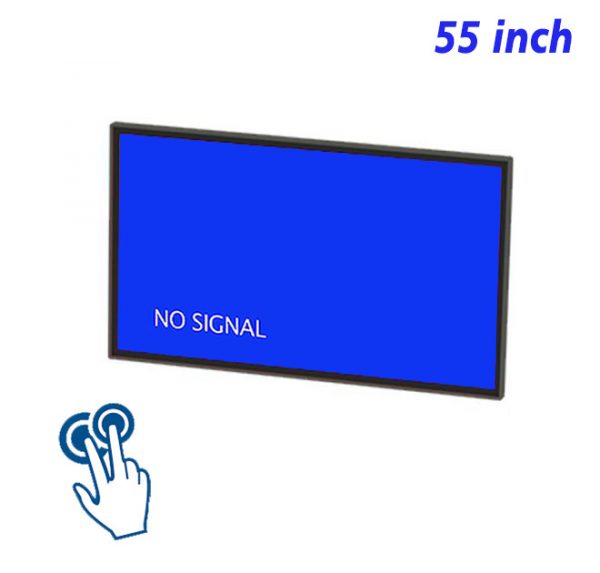
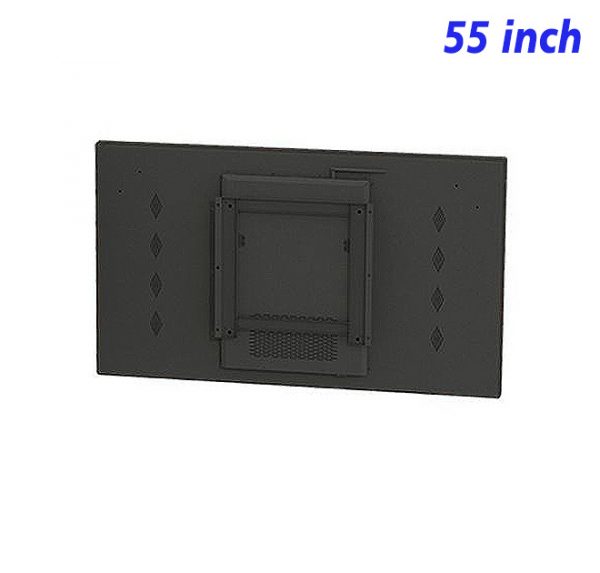
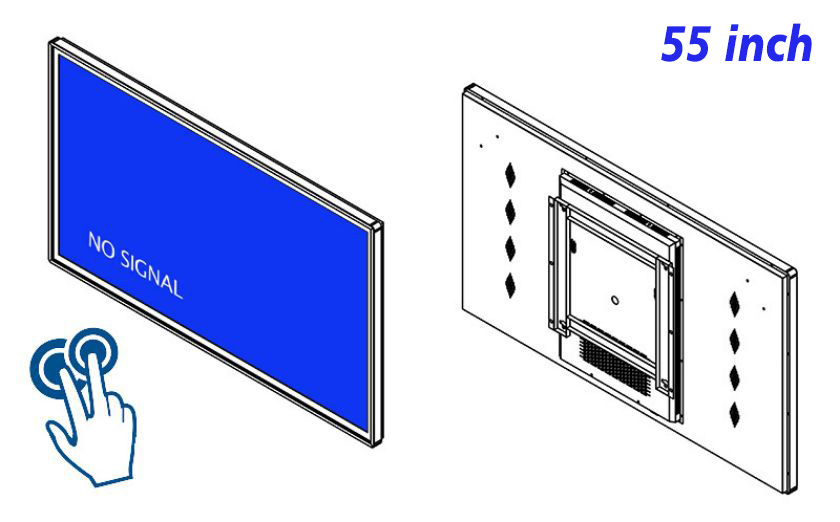
An effective product demonstration should not force every viewer to wait through the same fixed sequence. A 55 inch interactive touch screen monitor places functional explanations, detailed images, application videos and comparison material inside an interface that can be explored directly. Someone interested in appearance can begin with the design, someone focused on function can open a demonstration immediately, and anyone needing more context can continue into the relevant detail.
The First Screen Should Highlight, Not Explain Everything
A 55-inch interactive product demonstration display offers generous visual space, but its opening page should still be restrained. One clear main visual, a short value statement and three or four recognizable choices establish interest more effectively than a dense specification list. Entries such as Function Demo, Detail View, Applications and More Information give the presentation a clear starting structure.
In a showroom, brand experience area or product display wall, the 55 inch interactive touch screen monitor can complement a physical product. The object communicates structure and finish, while the screen explains internal functions, operating processes and uses that are difficult to demonstrate on site. The two sources of information should support each other instead of repeating the same description.
Use Close-Ups, Motion and Short Video to Explain Hidden Value
Fine construction details can be shown through zoomable images, an operating process can use a short video, and functional differences can appear in concise comparison cards. The medium should change with the feature being explained, rather than giving every page exactly the same layout. A commercial touch display turns a static description into a layered experience, allowing complicated information to appear in manageable stages.
Content for the 55 inch interactive touch screen monitor can organize one feature into three consecutive views: purpose, operation and result. The viewer first learns which need the feature addresses, then sees how it works, and finally reviews the visible outcome. This sequence is more persuasive than an isolated list of benefits and keeps each page closely connected to the product itself.
More Choices Require Simpler Navigation
A product range may include different sizes, appearances or feature combinations. The interface can first group items by application or by their most meaningful difference, then reveal the available choices. The return control should remain fixed, the current category should stay visible, and a comparison page should provide a quick way back to the earlier position. Touch targets must be comfortable for standing use rather than copied from a desktop website.
On a 55 inch interactive touch screen monitor, the feeling of smooth operation depends on content logic as much as touch response. Removing unnecessary jumps, shortening labels and asking each page to answer one main question can make the demonstration feel natural and reduce the time needed to find a particular feature.
Keep Demonstration Content Fresh Without Rebuilding Everything
New images, feature videos and application examples can be updated separately instead of requiring the whole interface to be redesigned. Consistent image ratios, heading lengths and video formats help later additions look related to the existing presentation. A showroom IR touch display should also keep a default home page and return to that clear starting point after a period without interaction.
Daily checks should confirm that every touch point opens the intended content, videos remain understandable without sound, outdated information has been removed and return paths work correctly. The 55 inch interactive touch screen monitor delivers its interactive demonstration value only when every exploration route remains coherent from entry to exit.
The presentation should therefore retain a clear visual relationship between the main product image, the selected feature and the supporting media. A close-up should open from the area it explains, a comparison should use the same scale on both sides, and every short demonstration should return to a recognizable product view. This keeps exploration connected to the physical display instead of turning the interface into a collection of unrelated media files.
Product Demonstration FAQ
How many features should one page introduce?
One core feature should receive the main emphasis, supported by only a few related choices. Deeper material can sit on the next layer, keeping the first page focused and easy to scan.
Can the screen compare different products?
Yes. Using the same comparison categories, aligned images and short descriptions allows a 55-inch interactive product demonstration display to show differences clearly without creating a text-heavy page.
Which content works best for touch exploration?
Zoomable detail images, color or configuration choices, short video, application selections and step-by-step functional explanations all work naturally on a 55 inch interactive touch screen monitor.
How can the display remain attractive when no one is using it?
A simple standby visual or a short loop of the main product imagery can maintain a polished appearance. A visible invitation to touch should make the next action immediately understandable.
Bring Your Digital Content to Life
Use this commercial display to present promotions, product stories, menus, guidance and brand messages in an engaging digital format. Contact the ZXTLCD sales team to explore the configuration that best matches your application.
Reviews
There are no reviews yet.