
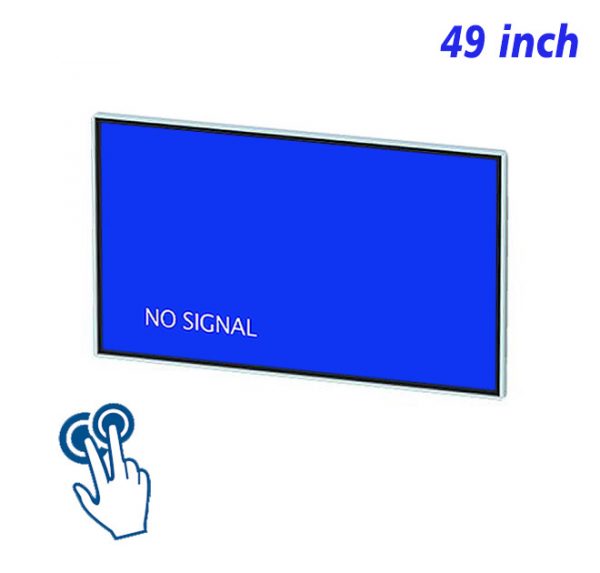
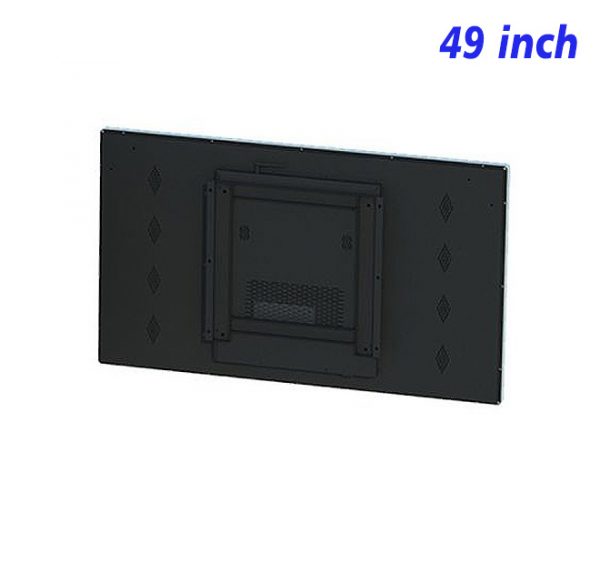
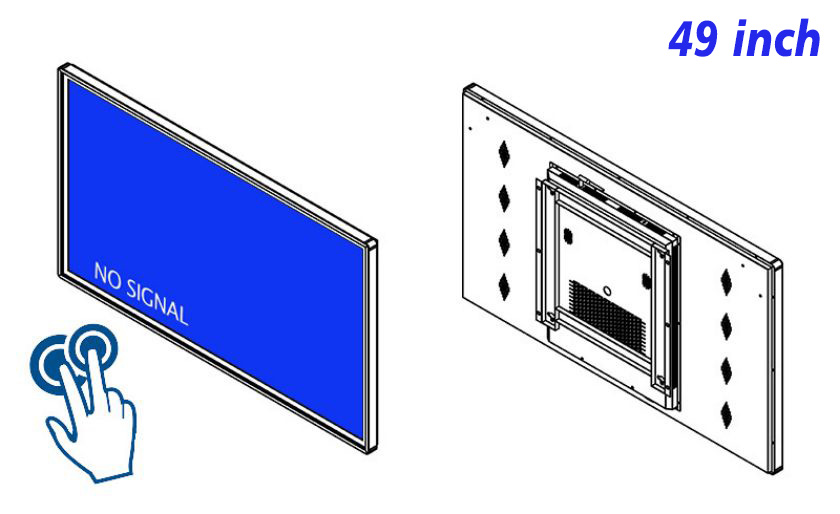
Counters and walkways need to remain open, while a menu still has to be visible and flexible enough for changing content. A 49 inch hanging IR touch screen monitor lifts the display area onto a wall or suspended position, reducing the demand for counter and floor space while providing a digital menu that can be explored directly. Its 49-inch view balances visibility with layout flexibility for beverage areas, light dining spaces, service counters and other compact commercial settings.
What Should Be Visible From the Waiting Position?
The first menu screen should answer the question “What are the main choices?” before presenting every detail. Large images, clear categories and short names support quick recognition. Prices, ingredients, options or further explanations can open after a touch, giving distant viewing and close interaction the right amount of information at each stage.
A 49 inch hanging IR touch screen monitor turns a static menu board into a layered browsing experience. Popular categories remain easy to find, while seasonal content or limited-time items can use a separate entry. Adding one new item no longer requires the entire menu structure to be rearranged.
Images Help Recognition; Words Confirm the Choice
Images of food, drinks or services can shorten decision time, but each image must match the actual category and follow a consistent ratio and background style. Names and short descriptions confirm the choice and should not be weakened by decorative typography. On an interactive digital menu board, image, wording and price need a clear order rather than competing for attention.
Category pages on the 49 inch hanging IR touch screen monitor can use larger image cards, while an individual item page provides deeper detail. This approach takes advantage of the 49-inch viewing area without creating a long page that requires repeated scrolling.
Different Times, One Familiar Way to Navigate
Morning, midday and evening content may change, but navigation positions and page logic should remain familiar. Reusing the same home structure while updating availability, priority images and time messages makes the display easier to use. A cafe touch menu screen can mark an unavailable item clearly instead of making its entry disappear without explanation.
The 49 inch hanging IR touch screen monitor may also show a short promotional visual, but the interactive entry must always be easy to find. Automatic media should not occupy the whole interface or make someone wait for an animation to finish before the menu becomes available.
A Hanging Position Changes the Content Requirements
The screen may be viewed from the front, from an angle or from farther back, so type size, contrast and touch targets should be checked in the real environment. Important information should not sit against the display edge, and the return control must remain within comfortable reach. The finished menu needs to be reviewed from both the beginning of the queue and the actual interaction position.
Routine updates mainly involve item status, prices, images and time-based information. After an update, categories, details and return paths should be tested, with a final check for outdated material. A clean surface and a ready home page also help the 49 inch hanging IR touch screen monitor maintain a clear experience during frequent daily use.
Visual consistency is particularly important when several menu periods share the same screen. Image crops, category colors, price positions and status labels should follow one system, so updated content looks intentional rather than inserted at the last moment. The interface can change what is available while preserving the same familiar reading order from category to item detail.
The menu should also communicate unavailable or changing choices honestly. A visible status label is clearer than a button that opens an empty page, and a time notice is more helpful than quietly removing a familiar category. Keeping these messages close to the relevant item supports quick understanding while leaving the main screen calm. The same checks should be repeated whenever a scheduled menu period is changed.
Menu Use Questions
Can the same screen show a menu and brand video?
Yes. Video should be short and limited to an idle state or a separate visual area. As soon as the screen is touched, the menu interface should become available without delay.
How can many options be shown without creating a long page?
Group choices into recognizable categories, then use a detail page or compact expandable panel for ingredients, sizes and available variations.
What should be checked after a menu update?
Review the home entry, category assignment, item status, price and return route. Text and images on the 49 inch hanging IR touch screen monitor should also be checked from the real viewing distance rather than only from directly in front of the screen.
Bring Your Digital Content to Life
Use this commercial display to present promotions, product stories, menus, guidance and brand messages in an engaging digital format. Contact the ZXTLCD sales team to explore the configuration that best matches your application.
Reviews
There are no reviews yet.