
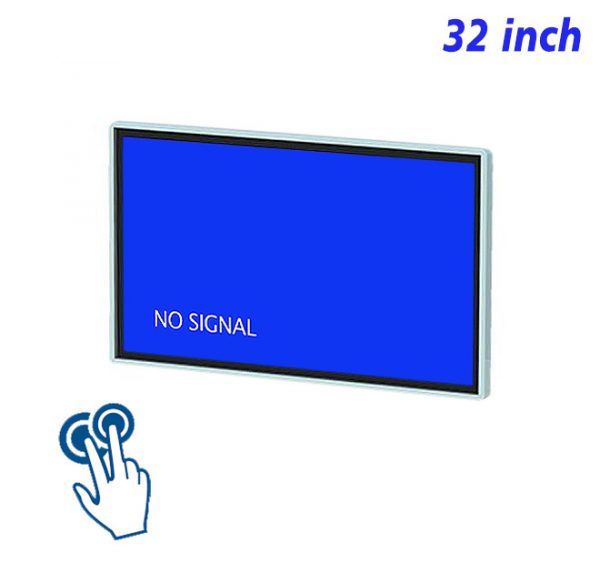
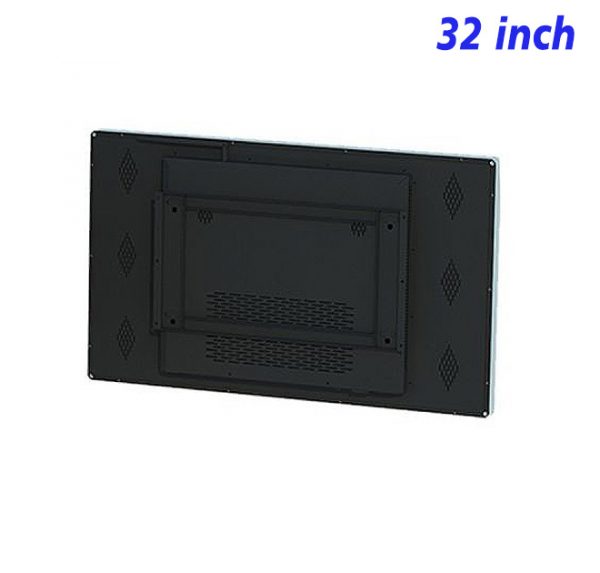
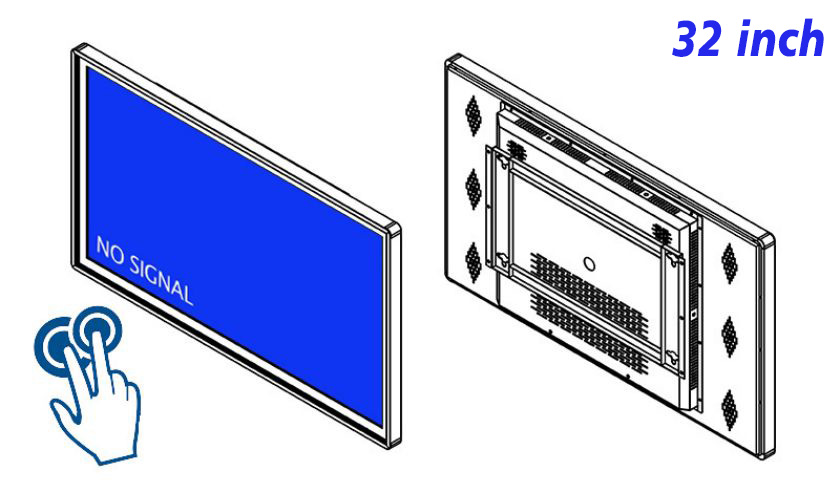
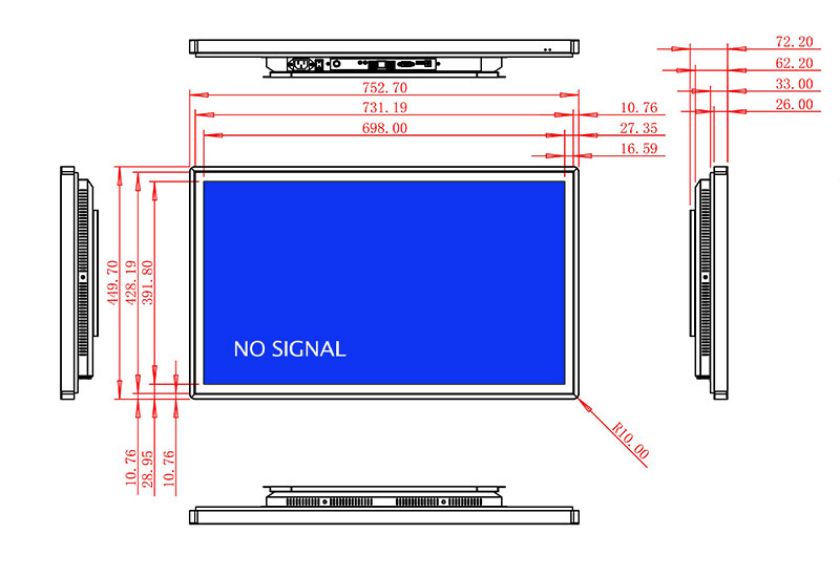
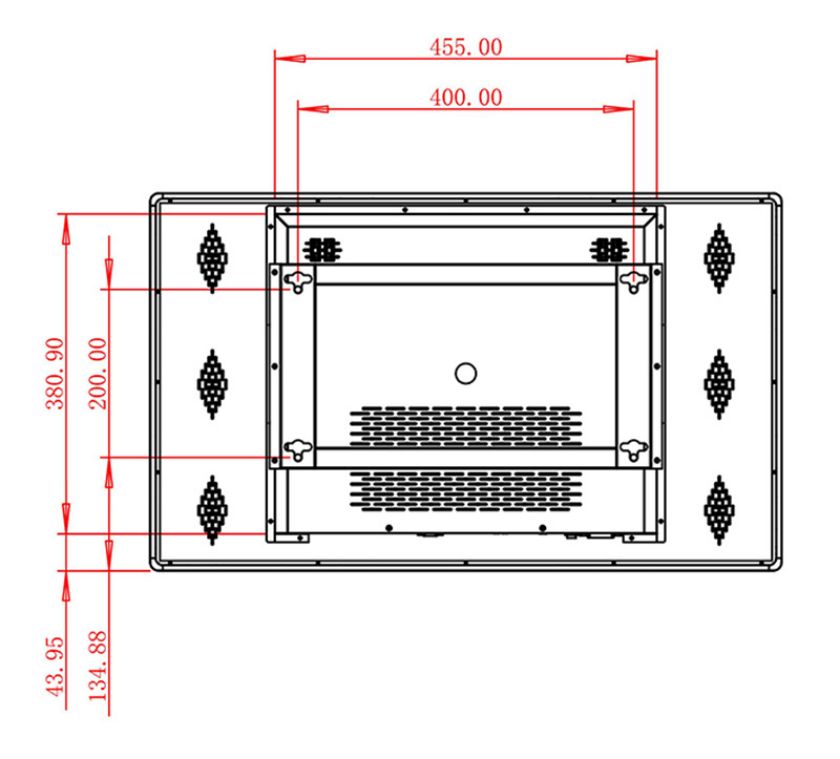
A self-service guide is usually used quickly: find a question, check a few steps and continue with the task. A 32 inch wall mounted IR touchscreen provides touch controls large enough for direct use in a compact 32-inch format, avoiding unnecessary demand on counters or floor space. It is suited to common questions, operating guidance, location searches and concise service information.
Keep Only the Most Common Starting Points on the Home Page
A self-service home page does not need to display the complete content list. The most frequent questions should occupy the first view and use direct action wording such as Start the Process, Find a Location, or View the Steps. Less common material can sit behind a More Help entry, preserving strong visibility for the primary choices.
Large buttons, clear icons and comfortable spacing make a 32 inch wall mounted IR touchscreen more suitable for short interactions than a complicated menu. Every touch should create immediate visible feedback so the user knows the selection has been recognized.
Write Instructions in the Same Order as the Real Action
If the physical task begins by checking a condition, then choosing a function and finally confirming the result, the display should explain it in the same order. Each page describes the current action and uses one relevant image or simple diagram. A compact self-service touch screen should avoid long blocks of text; reasons and optional reminders can open separately.
Numbering and a progress indicator can make the relationship between steps clearer on a 32 inch wall mounted IR touchscreen. The return control should remain fixed, while a Restart option provides a simple recovery after an incorrect choice or a change of purpose.
A Smaller View Demands More Discipline With Text and Images
A 32-inch screen is not incapable of carrying rich information, but every page needs a clear priority. Short headings, only the wording needed for the current action and an image focused on the necessary detail create a more comfortable close-viewing experience. Text must contrast strongly with its background, and important touch controls should not sit at the extreme edge.
While waiting for interaction, a 32 inch wall mounted IR touchscreen can show a concise prompt or brand visual, but the self-service home page should appear immediately after the first touch. Automatic media must never become an obstacle to beginning the task.
Outdated Guidance Can Be More Confusing Than Missing Guidance
When a process, time or location changes, all related pages and entries should be updated together. Removing one piece of information also requires checking whether another page still links to it. After an update, the real process should be followed from the home page, with confirmation that an idle screen returns to the starting point.
Routine care focuses on cleaning frequent touch areas, testing common entries and confirming that media loads correctly. Stable, accurate and concise content allows the 32 inch wall mounted IR touchscreen to continue serving as a practical wall-mounted self-service information display.
The compact format works best when each choice uses the full available clarity rather than trying to imitate a dense desktop page. Buttons can combine a short action label with a familiar icon, while secondary text remains visibly subordinate. This arrangement helps a person understand where to touch before stopping to read every line.
Error recovery is part of a good self-service path. If an entry is unavailable, the screen should explain the condition and offer a useful next action instead of leaving a blank page. If a selection is incorrect, returning one step should preserve enough context to make the correction easy.
Different guides can share the same visual system while retaining their own sequence. A location search may end on a map, an operating guide may end on a completed-state image, and a common question may end with a concise answer. The shared home and return behavior keep these different outcomes easy to navigate.
Self-Service Guide Questions
How much text should one page contain?
Keep only the explanation required to complete the current action. Additional context can use a Learn More entry instead of placing every possible situation on the same page.
Can several guides share the same screen?
Yes. Group them by common purpose and ensure that every route can return quickly to the main home page.
What if someone wants to change a choice halfway through?
Keep a fixed return control and provide Restart where it is useful. A 32 inch wall mounted IR touchscreen should make leaving a route just as clear as continuing through it.
What is the most important check after an update?
Follow the actual action in order and confirm that wording, images, controls and the final result page all correspond correctly.
Bring Your Digital Content to Life
Use this commercial display to present promotions, product stories, menus, guidance and brand messages in an engaging digital format. Contact the ZXTLCD sales team to explore the configuration that best matches your application.
Reviews
There are no reviews yet.